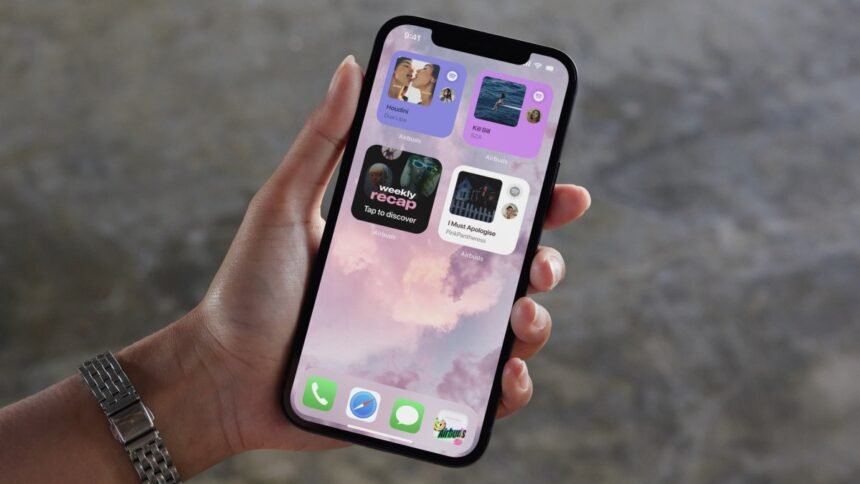
Apple has rolled out its latest iOS update for eligible devices, bringing a much-requested tweak that allows users to adjust the transparency of the liquid glass design. While this update doesn’t introduce any major features, it gives users more control over the visual appearance of their devices.
The Latest iOS Update Offers Customizable Transparency Settings
If you were not a fan of the translucent design introduced in iOS 26, you can now make adjustments to the transparency levels without completely disabling the liquid glass overlay. With the new iOS 26.1 update, users can now choose between a clear or tinted option by accessing the Settings > Display & Brightness > Liquid Glass menu.
The Evolution of Apple’s Liquid Glass Design
Apple’s liquid glass design marked a significant shift in the company’s visual aesthetics, following the transition to a flat design in 2013. While some users praised the attention to detail and modern look of the design, others found certain interface elements harder to read. The ability to customize transparency levels in iOS 26.1 aims to address these concerns and provide users with a more personalized experience.
Enhancements and New Features in iOS 26.1
In addition to the transparency settings, iOS 26.1 introduces several new features and improvements. Users can now customize gestures on the home screen, such as swiping left to open the camera app from the lock screen. This update also enables users to capture audio and video locally during video calls, providing added flexibility for on-the-go recording.
The update also expands language support for Apple Intelligence and introduces live translation capabilities for a wider range of languages. Quality of life improvements include new gestures for controlling Apple Music playback, a slider for stopping alarms, and the option to automatically install security updates.
How to Update to iOS 26.1
To update your device to iOS 26.1, simply navigate to Settings > General > Software update and follow the on-screen instructions.