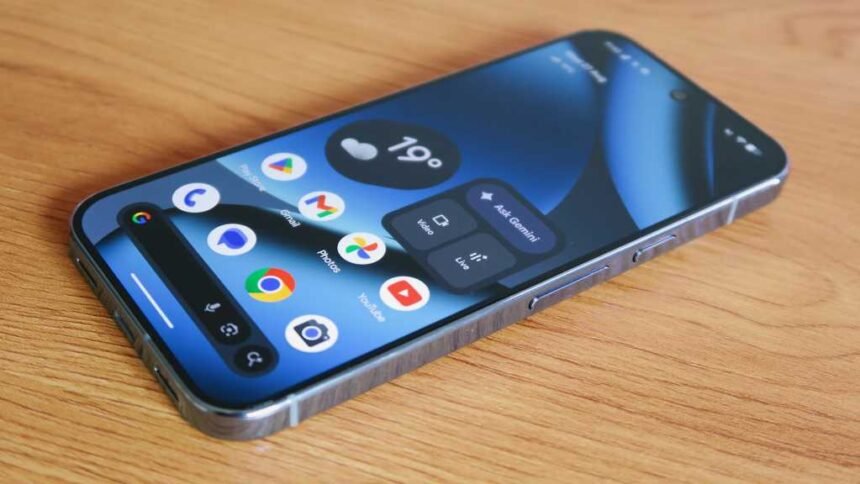
One of the notable upgrades in the Pixel 10 Pro and 10 Pro XL is the Pro Res Zoom feature, which allows for enhanced zoom capabilities up to 100x. If this feature is not enabled on your device, you can easily download it through the Camera app settings.
Another interesting addition to the Pixel 10 series is the Calling Cards feature, which lets you create personalized posters for your contacts in the Contacts app. You can choose photos, fonts, and colors to customize these calling cards to your liking.
Google has also introduced Content Credentials in Google Photos, allowing you to check if an image has been altered using AI tools. This feature provides transparency about the editing process and ensures the authenticity of images.
In the Recorder app, you can now add AI-generated music to your recordings, making them more dynamic and engaging. This feature is perfect for creating unique audio content or adding a creative touch to your voice notes.
For enhanced security, you can enable Advanced Protection on your Pixel device, which offers additional security features like theft detection lock and Android Safe Browsing.
Additionally, you can customize the functionality of the power button on your Pixel device to access the power menu more easily. By adjusting the Press and hold power button settings in the System menu, you can make the power button function as intended.
Lastly, optimizing the display resolution and refresh rate on your Pixel device can improve your viewing experience. By adjusting these settings in the Display and touch menu, you can enhance image fidelity and battery life according to your preferences.
Overall, the Pixel 10 series offers a range of new features and enhancements that can enhance your smartphone experience. By utilizing these tips and tricks, you can make the most out of your Pixel device and enjoy all it has to offer.